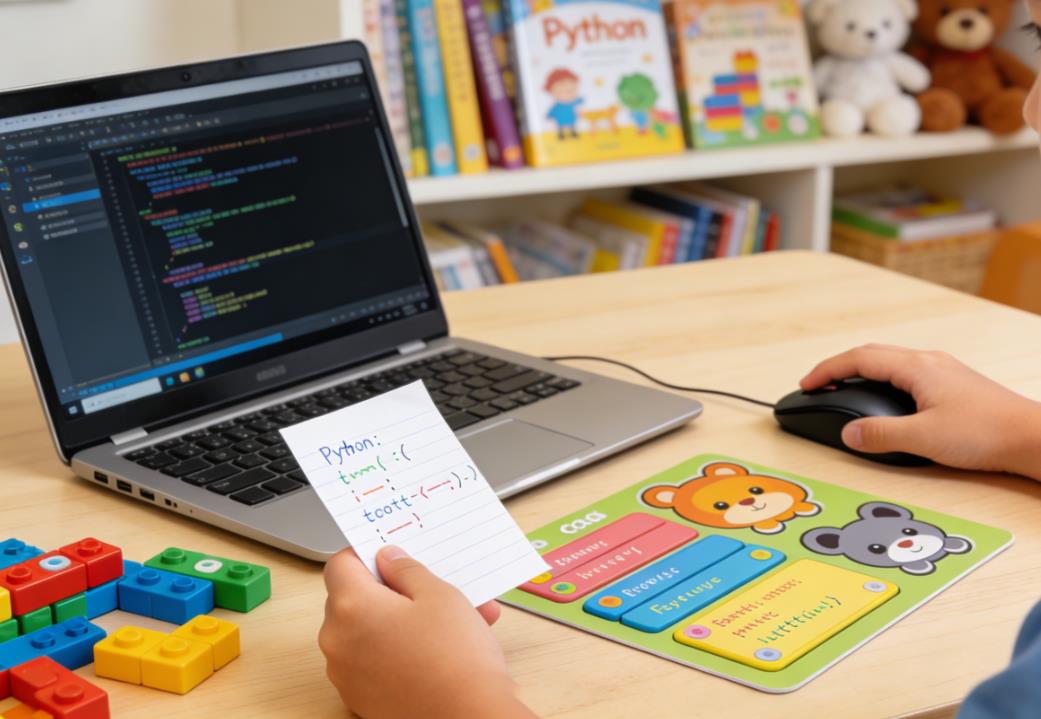
Python has become one of the most popular programming languages globally, renowned for its simplicity, readability, and versatility. It’s a language that powers everything from web applications and data science to artificial intelligence and robotics. For children, Python offers an accessible introduction to coding concepts without the overwhelming complexity of languages like C++ or Java. However, choosing the right tools and platforms for teaching Python to kids can be challenging for parents and educators. With so many online platforms, offline applications, and educational tools available, how do you select the ones that are both effective and engaging?
In this article, we will explore the most effective tools and platforms for teaching Python to children, backed by real-world examples and educational insights.
Why Python Is Ideal for Kids
Before diving into platforms, it’s important to understand why Python is suitable for children. Unlike many programming languages that require strict syntax rules, Python emphasizes readability and simplicity. This makes it easier for young learners to grasp coding logic and develop problem-solving skills without getting frustrated by complex code structures.
Python also allows children to create real projects quickly, from games and animations to interactive websites. This immediate feedback is motivating and encourages creativity, which is essential for young learners. Educators often report that children as young as eight can start learning Python successfully, especially with the right resources.
Criteria for Choosing the Right Python Platform
Not all Python teaching tools are created equal. Here are some key factors to consider:
Ease of Use: The platform should have an intuitive interface suitable for children. Visual aids, drag-and-drop coding, or simplified editors help kids focus on learning concepts rather than struggling with technical issues.
Interactive Learning: Kids learn best when they can experiment and receive instant feedback. Platforms that provide interactive coding environments and live previews of output are highly effective.
Project-Based Approach: Learning by creating projects keeps children engaged. Platforms that encourage building games, animations, or simple apps help solidify coding concepts.
Age Appropriateness: Some tools are better for younger children (ages 7–10), while others cater to older children (ages 11–15). Matching the platform to the child’s developmental stage ensures they remain challenged but not overwhelmed.
Supportive Community and Resources: Platforms with tutorials, lesson plans, and forums for discussion allow children to learn collaboratively and get help when stuck.
Scratch as a Stepping Stone
While Scratch is not a Python platform, it is worth mentioning because it serves as a gentle introduction to coding for children. Scratch uses a block-based interface to teach programming logic without typing syntax, which is often a barrier for younger kids. Many educators start children on Scratch before transitioning to Python.
For example, one of my students, an 8-year-old named Emma, started with Scratch to create simple animations and games. Once she grasped basic programming concepts like loops, conditionals, and variables, transitioning to Python was seamless. This gradual approach reduces frustration and builds confidence.
Popular Python Platforms for Kids
Thonny
Thonny is a beginner-friendly Python IDE designed specifically for learners. Its interface is clean, with features that help children understand how Python works under the hood. Thonny includes a debugger that visually shows variable values, which helps kids understand the flow of their code.
Case Study: A group of 10-year-old students at a summer coding camp in Boston used Thonny to create a text-based adventure game. The IDE’s simplicity allowed them to focus on logic and creativity rather than struggling with complex setup. By the end of the week, all students had a fully functional game, and they were able to explain the logic behind each function they wrote.
Mu Editor
Mu is another Python editor geared towards beginners, particularly those interested in micro:bit or Raspberry Pi projects. Its simple interface and built-in tutorials make it ideal for classroom or home use. The editor also supports Pygame Zero, allowing kids to make games with Python without needing extensive programming knowledge.
Case Study: At an after-school coding club in Seattle, children aged 9–12 used Mu to program micro:bit devices for a robotics challenge. The immediate feedback from their devices encouraged experimentation, and many students were inspired to explore more complex Python projects at home.
Trinket
Trinket is a web-based platform that allows children to code in Python directly in their browser, eliminating installation barriers. It is particularly effective for collaborative learning because projects can be shared easily.
Case Study: A homeschooling parent in New York used Trinket to teach her 11-year-old twins Python while integrating math lessons. The children created small interactive calculators and visualizations, which helped them see the practical applications of coding. The ability to instantly run code in the browser kept their attention and boosted their confidence.
CodeCombat
CodeCombat teaches Python through gamification. Children write Python code to navigate characters through challenges and levels in a game environment. This approach transforms coding into a playful, goal-oriented activity.
Case Study: At a coding summer camp in San Francisco, CodeCombat was used with 12–14-year-old students. The gamified experience motivated students who were initially reluctant to code. By the end of the program, most students had independently written small Python scripts to solve puzzles, demonstrating a deeper understanding of variables, loops, and conditionals.
Repl.it (Replit)
Replit is a cloud-based coding platform that supports Python and many other languages. It allows children to code, run, and share projects online. Its collaborative features are particularly useful for classrooms and coding clubs.
Case Study: In a European virtual coding camp, children from different countries collaborated on Python projects using Replit. They built interactive quizzes and small games, and the platform’s multiplayer mode enabled real-time collaboration, teaching them both coding and teamwork skills.
Combining Visual and Text-Based Learning
Some platforms bridge the gap between visual and text-based programming. Blockly for Python or Tynker allows children to see both the blocks and the equivalent Python code. This dual approach helps children transition smoothly from drag-and-drop programming to typing code.
Case Study: A 10-year-old student named Lucas initially struggled with typing errors in Python. Using Tynker’s dual-mode editor, he could first understand the logic with blocks and then see how it translated into Python syntax. Within a few weeks, he was confidently writing small Python scripts on his own.
Offline vs. Online Platforms
While online platforms are convenient, offline tools like Thonny and Mu are important for children who do not always have reliable internet access. Offline tools also encourage deeper focus, free from distractions like ads or notifications.
Online platforms, on the other hand, often provide interactive lessons, gamification, and the ability to share projects. Many educators recommend a hybrid approach: start with offline tools to build foundational skills, then introduce online platforms for collaborative projects and creative experimentation.
Additional Resources
Aside from platforms, supplementary resources are crucial for reinforcing learning:
- Books: Titles like Python for Kids by Jason R. Briggs or Coding Projects in Python by DK provide structured learning paths.
- YouTube Tutorials: Channels geared toward children offer visual explanations that can complement hands-on practice.
- Python Libraries for Kids: Libraries such as Turtle (for graphics) or Pygame Zero (for games) make learning Python more interactive and fun.
Tips for Parents and Educators
- Start Small: Begin with short, achievable projects to build confidence.
- Encourage Creativity: Let children choose projects that interest them—games, animations, or simulations.
- Focus on Concepts, Not Syntax: Early on, understanding loops, conditionals, and variables is more important than perfect syntax.
- Provide Immediate Feedback: Platforms that show real-time results of code help children learn faster.
- Celebrate Progress: Displaying or sharing their projects motivates children to continue learning.
Real-World Success Stories
Many children have started with beginner-friendly Python platforms and gone on to create impressive projects:
- Emma, 9: Started with Scratch, moved to Thonny, and created her own text-based adventure game.
- Lucas, 10: Used Tynker to transition from visual coding to Python scripts, later building a small interactive quiz for his school club.
- A group of 12-year-olds in Seattle: Programmed micro:bit robots using Mu, participating in a local robotics competition and winning first place.
These stories show that with the right tools, children can not only learn Python but also develop critical thinking, problem-solving skills, and confidence in technology.
Choosing the right platform to teach Python to kids is crucial for their engagement and success. Platforms like Thonny, Mu, Trinket, CodeCombat, and Replit offer a range of features suitable for different age groups and learning styles. A combination of visual programming, text-based coding, offline practice, and online collaboration provides a comprehensive learning experience. Real-world case studies demonstrate that children can achieve remarkable results when learning Python in a structured yet playful environment.
Parents and educators should focus on tools that are intuitive, interactive, and project-oriented. By choosing the right resources, children can enjoy learning Python, develop essential 21st-century skills, and cultivate a lifelong interest in coding and technology.
| Tool | Age Range | Key Features | Best For | Example Use Case |
|---|---|---|---|---|
| Thonny | 8+ | Beginner-friendly IDE, visual debugger, simple interface | Offline coding, learning Python basics | Creating a text-based adventure game in a summer camp |
| Mu Editor | 8+ | Simple editor, supports micro:bit & Raspberry Pi, Pygame Zero | Physical computing, small games | Programming micro:bit robots in an after-school club |
| Trinket | 9+ | Web-based, instant code execution, easy sharing | Browser-based coding, homeschooling | Building interactive calculators or visualizations |
| CodeCombat | 10+ | Gamified learning, levels & challenges, Python scripting | Motivating reluctant coders, gamification | Solving puzzles with Python code to advance game levels |
| Replit | 10+ | Cloud-based IDE, collaborative coding, multi-language support | Online collaboration, remote learning | Kids from different countries collaborate on quizzes or games |
| Tynker / Blockly for Python | 7–12 | Visual blocks + Python code, dual mode | Transitioning from visual to text-based coding | Learning logic with blocks and then writing Python scripts |

Leave a Reply