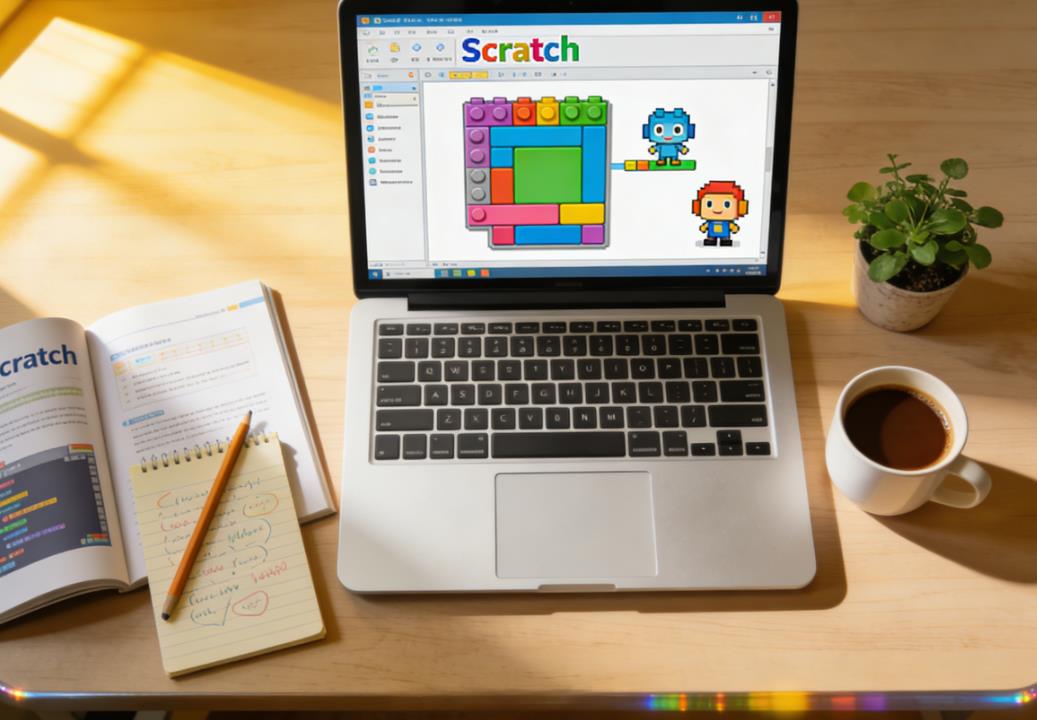
Teaching children how to code can be an incredibly rewarding experience, and Scratch is one of the best platforms to start with. Developed by the MIT Media Lab, Scratch provides a visual programming environment where children can create interactive stories, games, animations, and more, using simple drag-and-drop code blocks. For beginners, starting with the right projects is crucial. The right project can inspire creativity, build confidence, and teach essential programming concepts in a fun, engaging way. This article explores some excellent Scratch project ideas for beginners, explains why they work, and offers real-world examples from classrooms and online communities.
Understanding the Basics Before Starting
Before diving into project ideas, it is important for both parents and children to understand what Scratch is capable of and the basic programming concepts it can teach. Scratch introduces children to:
- Sequencing – understanding the order of instructions in a program.
- Loops – repeating actions automatically.
- Conditionals – making decisions based on certain criteria (e.g., “if…then”).
- Events – triggering actions when something happens, like a key press or sprite click.
- Variables – storing information to use later, such as scores or counters.
For beginners, projects that incorporate these concepts in small, manageable chunks work best. The goal is not just to finish a project but to understand and enjoy the process of creating with code.
Simple Animations
One of the easiest ways for beginners to start with Scratch is by creating simple animations. Animations are visually rewarding and give instant feedback, which is motivating for children.
Example: Animated Story
Children can start by making a short story where characters (sprites) move, talk, or change costumes. For example, a beginner might create a story about a cat who wants to explore a garden. The child can program the cat sprite to walk across the screen, interact with flowers, and have dialogue using speech bubbles. This project teaches basic sequencing and motion blocks while encouraging storytelling skills.
Real-world classroom example: In a third-grade coding club in Seattle, students created animated stories where their favorite animals met each other and talked. One student created a story about a robot exploring a planet, using the “say” and “glide” blocks to make the animation interactive. The project sparked discussions about story structure and how to program actions in sequence.
Why It Works
Animations are low-pressure, visually engaging, and allow children to experiment with Scratch blocks without worrying about complex logic or scoring. Beginners can focus on creative expression while gradually understanding the programming fundamentals.
Interactive Games
Games are highly motivating because children can play their own creations immediately after building them. Starting with simple interactive games is ideal.
Example: Maze Game
A classic beginner-friendly game is a maze challenge. The child can create a sprite (like a character) that navigates a maze using arrow keys. Adding a goal, like reaching a treasure or exiting the maze, introduces the concept of win conditions. To make it slightly more advanced, beginners can add a timer or obstacles that reset the game if touched.
Case Study: In a coding summer camp in New York, a 9-year-old student created a “Space Explorer” maze game where the spaceship had to reach a planet while avoiding asteroids. Using Scratch’s collision detection blocks and movement scripts, the student learned conditionals and loops, while feeling proud to show their game to friends.
Why It Works
Interactive games are highly rewarding because they combine creativity, logic, and immediate feedback. They teach essential programming concepts like events (when arrow keys are pressed), loops (continuous movement), and conditionals (collision detection) in a context that feels like play.
Music and Sound Projects
Music projects are excellent for children who enjoy rhythm and creativity. Scratch allows users to add sounds, record voices, and even compose simple tunes.
Example: Virtual Piano
A beginner can create a simple virtual piano where pressing different keys plays different notes. This project introduces events (key presses), variables (to store the current note), and loops (for repeated patterns).
Classroom Story: In a London coding class, one student built a virtual piano and even recorded their own voice singing alongside it. By programming the keys to play different notes, the student explored the relationship between inputs (key presses) and outputs (sound), while gaining confidence in controlling multiple elements in Scratch.
Why It Works
Music projects engage children who may be more creatively inclined than logically inclined. They teach programming fundamentals in a fun, interactive way, and provide instant audio-visual feedback.
Storytelling With Branching Choices
Once beginners are comfortable with basic animations, introducing interactive storytelling can be a natural next step. These projects teach logic, planning, and the power of user input.
Example: Choose-Your-Own-Adventure Story
Children can create stories where users make choices that influence the outcome. For instance, a story about a character going on an adventure could present the user with two options: take the forest path or the river path. Depending on the choice, different animations, dialogues, or endings occur. This introduces if-then statements and logical thinking.
Real-Life Example: A student in Toronto created a “Magic School Adventure” where the user chose spells to cast in different situations. This project reinforced the student’s understanding of conditionals and sequencing, and inspired their classmates to add even more interactive elements.
Why It Works
Branching stories make coding personal and interactive. They encourage problem-solving, planning, and logical thinking, all within a familiar narrative context that keeps beginners motivated.
Simple Simulations
Simulations allow beginners to model real-world scenarios using Scratch, teaching cause-and-effect relationships and computational thinking.
Example: Weather Simulation
A child can simulate changing weather: sunny, rainy, snowy, or windy. By clicking a button, the background changes, and different sprites appear (like clouds or snowflakes). This project introduces variables (current weather type), loops (falling snow animation), and events (button clicks).
Classroom Case: In Chicago, a coding club had students create environmental simulations. One student made a “Garden Growth” simulation where plants grew when watered and wilted if not. The project encouraged experimentation, observation, and understanding of sequences and conditional programming in a tangible way.
Why It Works
Simulations help children see the connection between actions and outcomes. They introduce more abstract programming concepts in a concrete, visual manner, making it easier for beginners to grasp logic and causality.
Fun Quizzes and Educational Games
Combining learning with interactivity can produce Scratch projects that are both fun and educational.
Example: Math Quiz Game
Beginners can create a quiz game that asks multiple-choice math questions. Correct answers could increase a score variable, while incorrect answers might show hints or encouragement. This project teaches variables, conditionals, and user input handling.
Case Example: A student in Boston created a quiz game about animal facts, where players answered questions and earned “animal stickers” for correct answers. The project encouraged research, problem-solving, and Scratch programming practice all in one activity.
Why It Works
Quizzes are structured, motivating, and provide clear success metrics. They help beginners see immediate results of programming logic, making abstract concepts like variables and conditionals more tangible.
Collaborative Projects
Once beginners are comfortable creating their own projects, collaborative projects can be a rewarding way to learn teamwork and coding skills simultaneously.
Example: Group Story or Game
Scratch allows children to remix and share projects. Beginners can start a project and invite peers to add new levels, sprites, or animations. For example, a group might create a city-building game where each child programs a different building or interactive feature.
Classroom Story: In a summer coding workshop in San Francisco, students collaborated on a “Pirate Adventure” game. Each child was responsible for a character sprite or mini-game, teaching collaboration, debugging, and iteration while using Scratch’s remix feature.
Why It Works
Collaboration mimics real-world programming experiences and encourages communication, problem-solving, and learning from peers. Beginners gain exposure to different approaches and ideas, which accelerates learning and keeps motivation high.
Tips for Parents and Educators
When helping children choose Scratch projects, consider the following guidelines:
- Start Simple: Begin with one sprite, one background, and a few basic actions. Gradually introduce complexity.
- Follow Interests: Children are more engaged when projects reflect their hobbies, favorite stories, or games.
- Encourage Experimentation: Allow children to explore and “break” their code. Mistakes are valuable learning experiences.
- Provide Examples: Show sample projects on the Scratch website to spark ideas and demonstrate possibilities.
- Celebrate Completion: No matter how small the project, praise effort and creativity to build confidence.
Many children’s first Scratch projects are small, but the skills they learn lay the foundation for more complex programming later. Projects should balance structure and creativity, giving beginners a sense of accomplishment while teaching important concepts.
Scratch is a versatile platform that allows beginners to explore programming in a fun, intuitive way. From simple animations and interactive games to quizzes, simulations, and collaborative projects, there are countless project ideas suitable for beginners. By starting with projects that are visually rewarding, personally interesting, and conceptually manageable, children can develop programming skills, logical thinking, creativity, and confidence.
Real-world classroom examples show that even young children can produce remarkable Scratch projects, and the process often sparks curiosity, collaboration, and a lifelong interest in coding. Whether it’s a short animated story, a maze game, or a choose-your-own-adventure project, the key is to provide a supportive environment where children feel encouraged to experiment, iterate, and learn. With the right guidance and inspiration, beginners can quickly move from simple projects to more complex creations, building a strong foundation for future programming endeavors.
| Project Type | Example | Suitable Age | Difficulty | Key Concepts Learned |
|---|---|---|---|---|
| Simple Animation | Animated Story of a Cat Exploring a Garden | 6–8 | Easy | Sequencing, Motion, Costume Changes, Storytelling |
| Interactive Game | Maze Game where Character Navigates to Treasure | 7–10 | Easy–Medium | Events, Loops, Conditionals, Collision Detection |
| Music & Sound | Virtual Piano or Soundboard | 6–9 | Easy | Events, Variables, Loops, Audio Feedback |
| Branching Story | Choose-Your-Own-Adventure Story | 8–12 | Medium | If-Then Statements, Logic, User Input, Sequencing |
| Simulation | Weather Simulation or Garden Growth | 8–12 | Medium | Variables, Loops, Events, Cause-and-Effect |
| Quiz / Educational Game | Math or Animal Knowledge Quiz Game | 7–11 | Medium | Variables, Conditionals, User Input, Score Tracking |
| Collaborative Project | Group Story or Multi-Level Game | 9–13 | Medium–Hard | Remixing, Collaboration, Debugging, Iteration |

Leave a Reply