
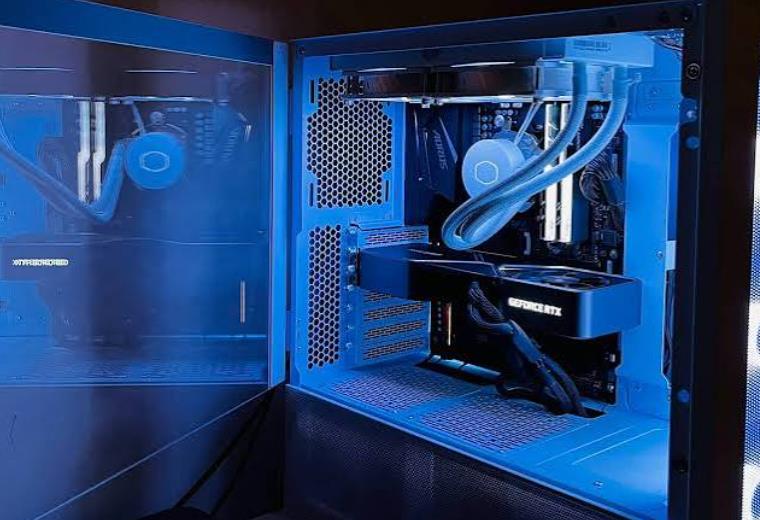
Building your own Gaming PC might seem like no big deal, or really big deal, depending on whom you ask. Custom built computers are becoming more and more common, and these days there are tons of tutorials on the internet (written and videos) that will walk you through building your own gaming PC step by step. This makes building a custom gaming PC accessibe to pretty much all of us! In this post, we’ll go over the different components of a gaming PC and what you can expect to pay for each one.
Why Should I Build a Gaming PC?
There are several reasons why you may want to build your own gaming PC. And several reasons why you might not. In the following section, we’ll go over the differences (good and bad) of buying a pre-built Gaming PC vs. building a custom Gaming PC yourself.
Pre-Built vs. Custom Gaming PC
The biggest difference between a pre-built and a custom gaming PC is the price. You get a lot bigger bang for you buck if you are willing to build the gaming PC yourself. You’ll have higher qualitiy components at a much lower price point.
However, if you build your own PC, you will have to find each component and wait for them all to arrive before you can start to build your gaming PC. If you buy a pre-built, you pretty much just need to wait for it to arrive, plug it in, and you’re good to go.
Another difference between pre-built and custom gaming PC’s is the ability to find help through customer service/a warranty. If you are building a gaming PC yourself, you won’t find much help if things start going wrong. The majority of pre-built Gaming PC’s come with a warranty and customer support should things stop working properly.
One more point to take into consideration when choosing between building a gaming PC versus buying a pre-built, is the level of motivation and commitment you have to actually build a gaming PC yourself. It is a lot easier to just go buy one, and things can get difficult/frustrating during the building process. So before you embark on the journey of building your on gaming PC, make sure you’ll be able to stay motivated throughout the process.
The added reward for building your own gaming PC is of course, the satisfaction of knowing you actually built it yourself! That’s pretty impressive!
Parts of a Gaming PC
Now, we’ll get into the actual parts you’ll need to build your gaming PC. In this list, we’ll go over what each component is, what it does, why it’s important, as well as the average costs. Once you know what each component is and what it does, you’ll be able to decide if some parts are worth spending more money on or not.
Motherboard
The Motherboard is where all of the other parts of your computer connect. It’s kind of like the skeleton of your computer and holds and connects everything all together.
There are a few of things to pay attention to when you are looking for a motherboard: multi-display support, the rear panel connectors of the motherboard, and the VRM. The multi-display support allows your computer to put out more than one display. If you are planning to use a graphics card (which we highly recommend for a gaming PC), then this component isn’t that important. The rear panel connectors should have connections for things like HDMI, USB, ethernet, headphone jacks and anything else you’d like to be able to connect. The VRM (voltage regulator module) converts the power from your power supply to voltage that your processor can use. The VRM is an important consideration if you are using a high end processor.
One more important element of the motherboard has to do with which processor you will be using (we go over processors in the next section). Different brands of processors will need a motherboard that corresponds with that brand.
Motherboards typically range in price from $50 on the low end to $300+ on the high end.

GIGABYTE B450M DS3H V2 (AMD Ryzen AM4/Micro ATX/M.2/HMDI/DVI/USB 3.1/DDR4/Motherboard)
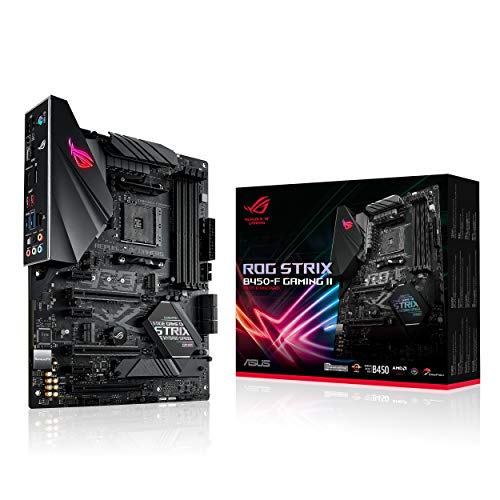
ASUS ROG Strix B450-F Gaming II AMD AM4 (Ryzen 5000, 3rd Gen Ryzen ATX Gaming Motherboard (8+4 Power Stages, HDMI 2.0b/DP,2 x PCIe 3.0 x16, USB 3.2 Gen 2 Type-C, BIOS Flashback, 256Mb BIOS Flash ROM

ASUS ROG Maximus Z690 Hero WiFi 6E LGA 1700(Intel 12th Gen) ATX Gaming Motherboard(PCIe 5.0,DDR5,20+1power Stages,2.5Gb LAN,2xThunderbolt 4,5xM.2,Front USB 3.2 Gen 2×2 Type-C,PCIe 5.0 Hyper M.2 Card)
Processor
The CPU (Central Processing Unit), or processor, is the brain of your computer. The strength of your processor will determine how fast your computer feels. It also processes anything visual you see on your screen. The processor takes the 1’s and 0’s and translates them into what we need them to do. If you are trying to build a gaming PC to play demanding games at the maximum settings, you’ll definitely want an ultra-fast processor.
There are two main brands of processors: Intel and AMD’s Ryzen. The higher the number on your chip, the better the processor is. Ryzen processors have a slight edge over Intel for gaming, but choosing between the two basically comes down to personal preference and budget.
Remember that the type of processor your choose affects what type of motherboard you can use. They need to be compatible with one another.
Processors usually range from $100 on the low end to $400+ on the high end.
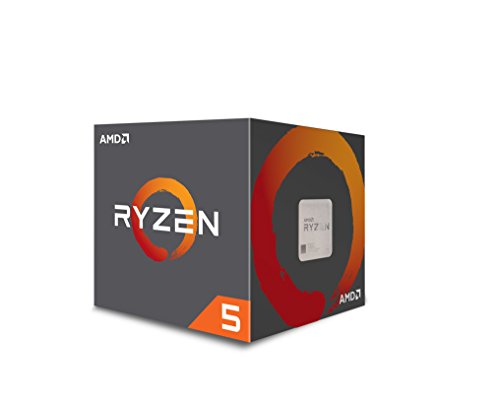
AMD Ryzen 5 1600 65W AM4 Processor with Wraith Stealth Cooler (YD1600BBAFBOX)
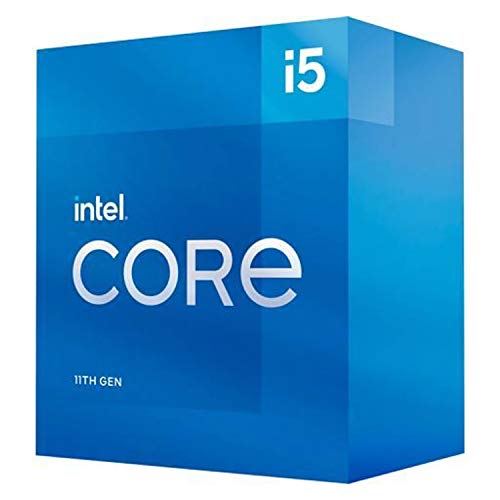
Intel Core i5-11600K Desktop Processor 6 Cores up to 4.9 GHz Unlocked LGA1200 (Intel 500 Series & Select 400 Series Chipset) 125W
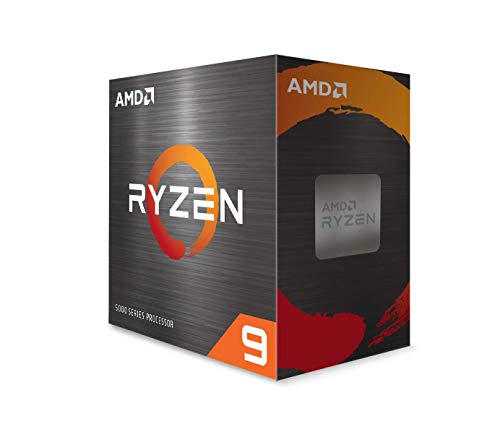
AMD Ryzen 9 5950X 16-core, 32-Thread Unlocked Desktop Processor
Graphics Card
Graphics cards are super important for gaming PC’s. Anything that has to do with video games, 3D animation, etc. is processed by the graphics card. Since that’s the main focus of a gaming PC, you’ll want get the best graphics card you can for your budget. We wouldn’t recommend spending more than 45% of your total budget on a graphics card.
There are 2 major brands of graphics cards. They are AMD and Nvidia.At this point, Nvidia graphics cards are better than AMD and they have been for the last several years. For a gaming PC, Nvidia is the way to go. The newest line of Nvidia graphics cards is still pretty new and while they are the best on the market, buying cards from their previous line (2060, 2070 2080), is a great budget friendly option.
Graphics cards typically range from $150 on the low end to $600+ on the high end.
(At the time of publishing, graphics cards are in super high demand, causing prices to skyrocket well above the normal range)
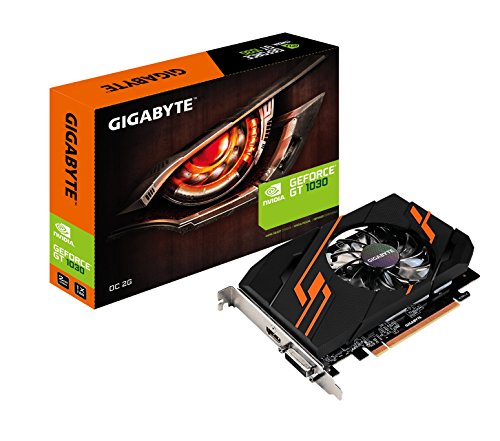
Gigabyte GV-N1030OC-2GI Nvidia GeForce GT 1030 OC 2G Graphics Card

ZOTAC Gaming GeForce RTX 3060 Twin Edge OC 12GB GDDR6 192-bit 15 Gbps PCIE 4.0 Gaming Graphics Card, IceStorm 2.0 Cooling, Active Fan Control, Freeze Fan Stop ZT-A30600H-10M
CPU Cooler
All of the parts of your computer produce heat when they are working and you’ll need to have a way to cool it down. There are a couple of ways to do this. You can have a fan or cooling system in the back of your computer or you can use a liquid to cool your computer. There are a lot of liquid cooling options (water, coolants,etc.) you can choose from. Be sure to factor in the size of your computer and the computer case as well as your budget when choosing your cooling option. Sometimes you can find cases that include a cooling element.
Cooling systems range from $25 on the low end to $125+ on the high end. There are also options you can find that have a cooling system and a case that come together.
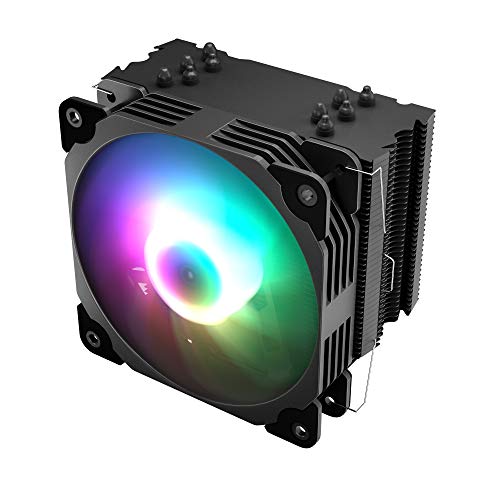
Vetroo V5 CPU Air Cooler w/ 5 Heat Pipes 120mm PWM Processor 150W TDP Fan Intel LGA 1200 115X / AMD Ryzen AM4 Universal Socket w/Addressable RGB Lights Sync(V5, Black)
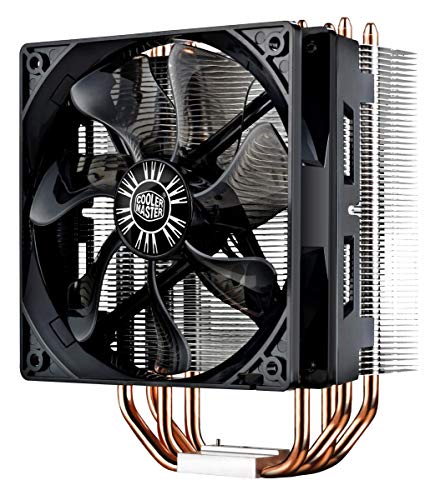
Cooler Master Hyper 212 Evo CPU Cooler (RR-212E-20PK-R2), 120mm PWM Fan, Aluminum Fins, 4 Copper Direct Contact Heat Pipes for AMD Ryzen/Intel

Cooler Master MasterLiquid ML240R ARGB Close-Loop AIO CPU Liquid Cooler, 240 Radiator, Dual Chamber Pump, AMD Ryzen/Intel LGA1151
RAM
RAM stands for Random Access Memory. It’s like the short term memory of your computer and allows you to do more than one thing at a time (I can thank RAM for allowing me to have 25 tabs open at the same time!). The higher the RAM, the better and faster your computer will be able to handle multiple tabs and applications being open and used at the same time.
We’d recommend a minimum of 8 GB of RAM for a gaming computer. You can go lower, but you will be sacrificing quality and speed of game play. For the speed of your RAM, we’d recommend 3200Mhz. The speed of your RAM is also determined by your processor, so it’s not as important as the RAM itself.
The price range for RAM varies from $30 on the low end to $400+ on the high end.

Crucial RAM 8GB DDR4 3200 MHz CL22 Laptop Memory CT8G4SFRA32A

CORSAIR VENGEANCE RGB PRO 16GB (2x8GB) DDR4 4000MHz C19 LED Desktop Memory – Black

Crucial Ballistix MAX 4400 MHz DDR4 DRAM Desktop Gaming Memory Kit 32GB (16GBx2) CL19 BLM2K16G44C19U4B (BLACK)
Storage (Hard Drive or SSD)
The storage is the long term memory of your computer. The larger your storage drive, the more expensive it will be. There are two types of storage: Hard Disk Drive(HDD) or Solid State Drive(SSD). SSD’s are newer, faster and have a better cost-to-storage ratio. That being said, they are more expensive than an HDD. An SSD is recommended, especially for gaming computers, but if your budget is tight, you may want to opt for a traditional HDD instead. You will defnitely want to have at least 256GB, but 500GB would be even better.
SSD’s range in price from $40 on the low end to $300+ on the high end.

WD_BLACK 500GB SN750 NVMe Internal Gaming SSD Solid State Drive – Gen3 PCIe, M.2 2280, 3D NAND, Up to 3,430 MB/s – WDS500G3X0C
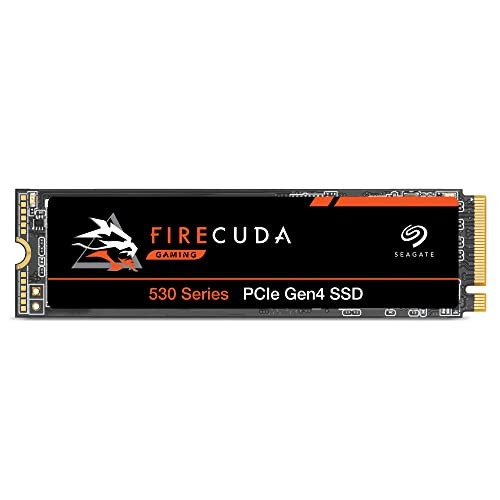
Seagate FireCuda 530 1TB Solid State Drive – M.2 PCIe Gen4 ×4 NVMe 1.4, speeds up to 7300 MB/s, Compatible PS5 Internal SSD, 3D TLC NAND, 1275 TBW, 1.8M MTBF, 3yr Rescue Services (ZP1000GM30013)
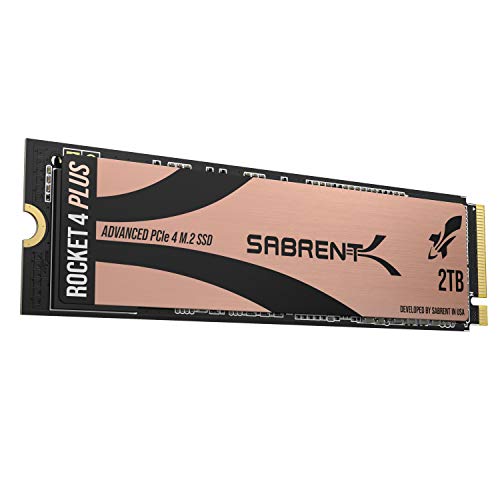
Sabrent 2TB Rocket 4 Plus NVMe 4.0 Gen4 PCIe M.2 Internal SSD Extreme Performance Solid State Drive R/W 7100/6600MB/s (SB-RKT4P-2TB)
Power Supply
Each component of your computer will need power. The power supply is feeding all of the parts of your computer so they can work and run smoothly. You can actually figure out exactly how much power your computer will beed based on each component you are using. You may be tempted to just get the bare minimum in power supply, but if you do that, you won’t be able to upgrade your computer later on. We recommend having a power supply of 750 Watts. You’ll want a power supply with 80+ power efficiency and at least 80+ bronze.
Prices for power supplies vary from $50 on the low end to $120+ on the high end.
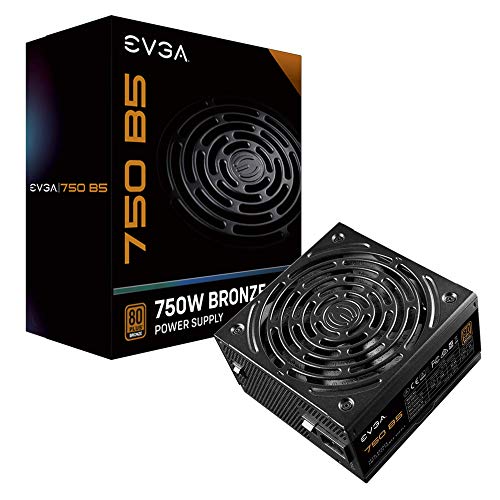
EVGA 750 B5, 80 Plus BRONZE 750W, Fully Modular, EVGA ECO Mode, 5 Year Warranty, Compact 150mm Size, Power Supply 220-B5-0750-V1
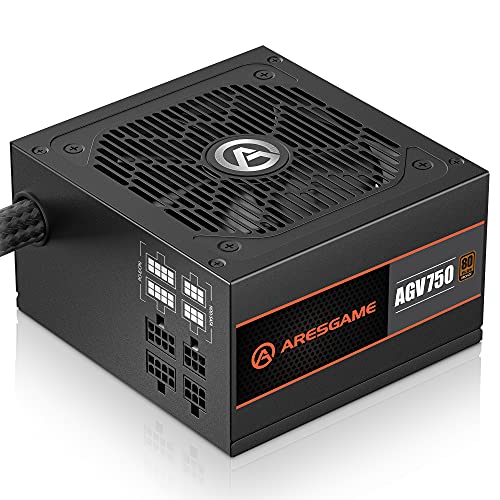
ARESGAME 750W Power Supply Semi Modular 80+ Bronze PSU (AGV750)
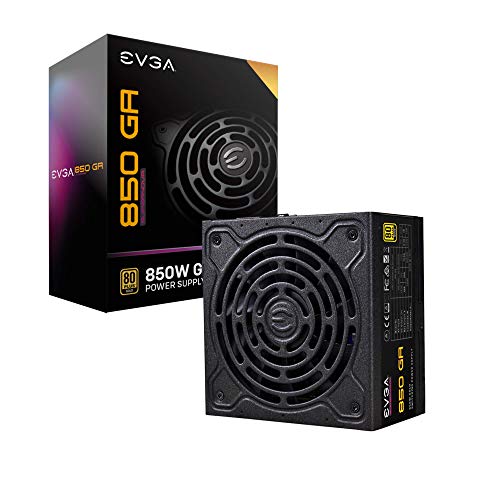
EVGA SuperNOVA 850 Ga, 80 Plus Gold 850W, Fully Modular, ECO Mode with Dbb Fan, 10 Year Warranty, Compact 150mm Size, Power Supply 220-GA-0850-X1
PC Case
Now that you’ve got all the parts for your gaming PC, you’ll need someplace to put them all! That’s where the case comes in. Be sure you get a case big enough to fit your graphics card and all of the other components of your computer. Pay attention to what ports are on the front and make sure to leave some room for breathability. You may be able to find a case that includes a cooling element for your computer. Just make sure it can still fit everything else.
You can find PC cases for as low as $40 and up to $100+ on the high end.
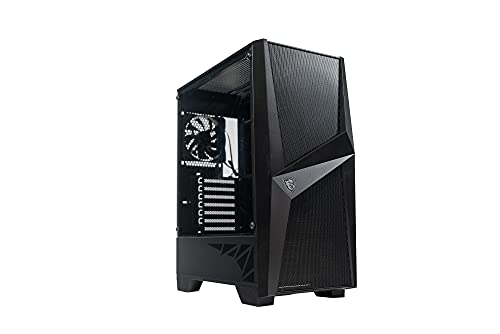
MSI MAG Series FORGE 100M LITE, Mid-Tower PC Gaming Case, Tempered Glass Side Panel, 120mm Fan, Liquid Cooling Support up to 240mm Radiator x 1
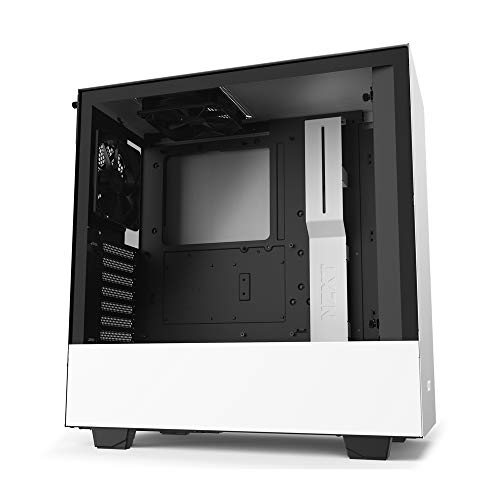
NZXT H510 – CA-H510B-W1 – Compact ATX Mid-Tower PC Gaming Case – Front I/O USB Type-C Port – Tempered Glass Side Panel – Cable Management System – Water-Cooling Ready – White/Black
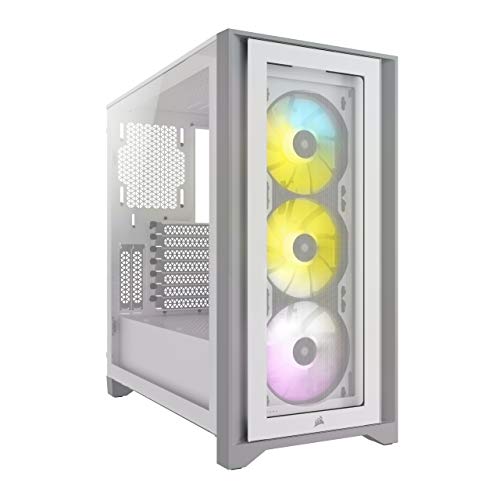
Corsair iCUE 4000X RGB Mid-Tower ATX PC Case – White (CC-9011205-WW)
Monitors
While a monitor is technically considered part of a PC build, we included it in our list because it is big piece of your PC puzzle. since it’s what you’ll be viewing everything on.
Most people have an HD monitor (1920×1080), but there are QHD screens as well. The QHD screens have 2 or 4 times as many pixels displayed than a typical HD screen.
You will also want to pay attention to the refresh rate of your monitor. The refresh rate for monitors is somehwere between 30Hz-240Hz. For a gaming PC, we recommend a refresh rate of at least 144Hz.
A 27 inch (diagonally) monitor is the standard for gaming, but you can choose whichever size you prefer.
Monitors are on the more expensive side. For a gaming monitor with at least 144Hz, you’ll be spending close to $200.
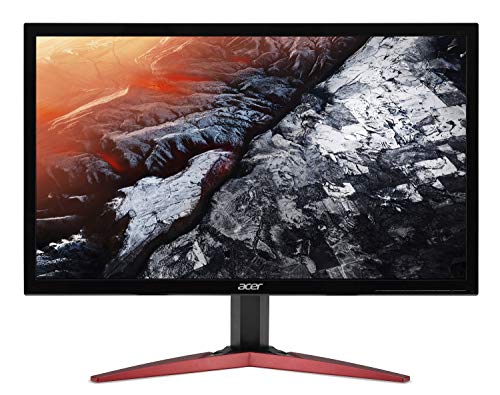
Acer KG241Q Pbiip 23.6″ Full HD (1920 x 1080) TN 144Hz 1ms Monitor with AMD FreeSync Technology (Display Port & 2 x HDMI)
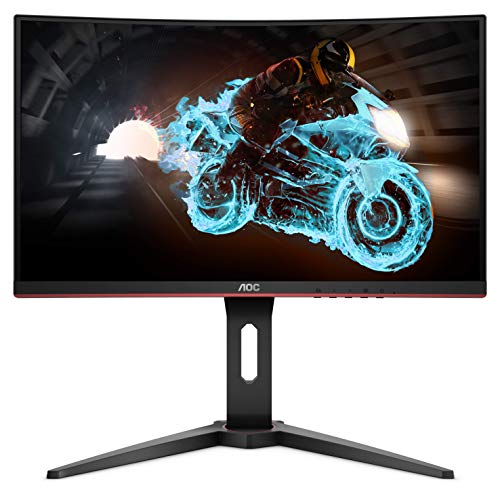
AOC C24G1A 24″ Curved Frameless Gaming Monitor, FHD 1920×1080, 1500R, VA, 1ms MPRT, 165Hz (144Hz supported), FreeSync Premium, Height adjustable Black
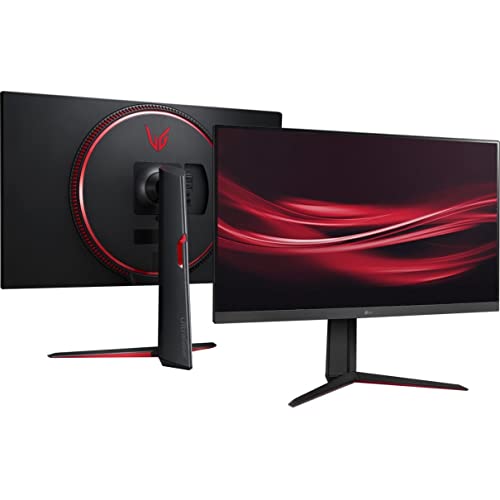
LG 32GN650-B Ultragear Gaming Monitor 32” QHD (2560 x 1440) Display, 165Hz Refresh Rate, 1ms MBR, HDR 10, sRGB 95% Color Gamut, AMD FreeSync – Black
Average Pricing
So, how much does it cost to build a Gaming PC? Well, it obviously depends on the parts you choose to use in your build.
We think the best way to decide on which parts is to set your budget our first. That way you know how much you have to spend total, and you can figure out what components you are willing to splurge on.
Below we’ll have the average price for building a Gaming PC based on 3 different price ranges (low, mid-range, and high). These prices will not include the monitor.
Low
$300-$500
Mid-Range
$500-$1000
High
$1000+
You can build yourself a greart PC in the low and mid-range options. Pay attention to your budget and decide which compnents are the most important to you. Spend a little more on those and budget the rest of you rmoney.
Custom Gaming PC Packages
If all of this seems like a little too much to put your head around, there are some companies that offer gaming PC packages. They choose all the parts, make sure they are all compatible with one another and then you buy the package.
Another option is to use PC Part Pickers. This website is FREE, and it’s a great tool if you are building your own Gaming PC. They have different build guides that go over pricing, parts and compatibility.
We think building your own gaming PC is a great way to save money, learn more about computers and have fun (while you’re building it and after when you get to play!). We hope this blog post has helped answer the question, “How Much Does it Cost to Build a Gaming PC?” in a clear and convenient way that makes building a gaming PC more accessible to you!

Leave a Reply