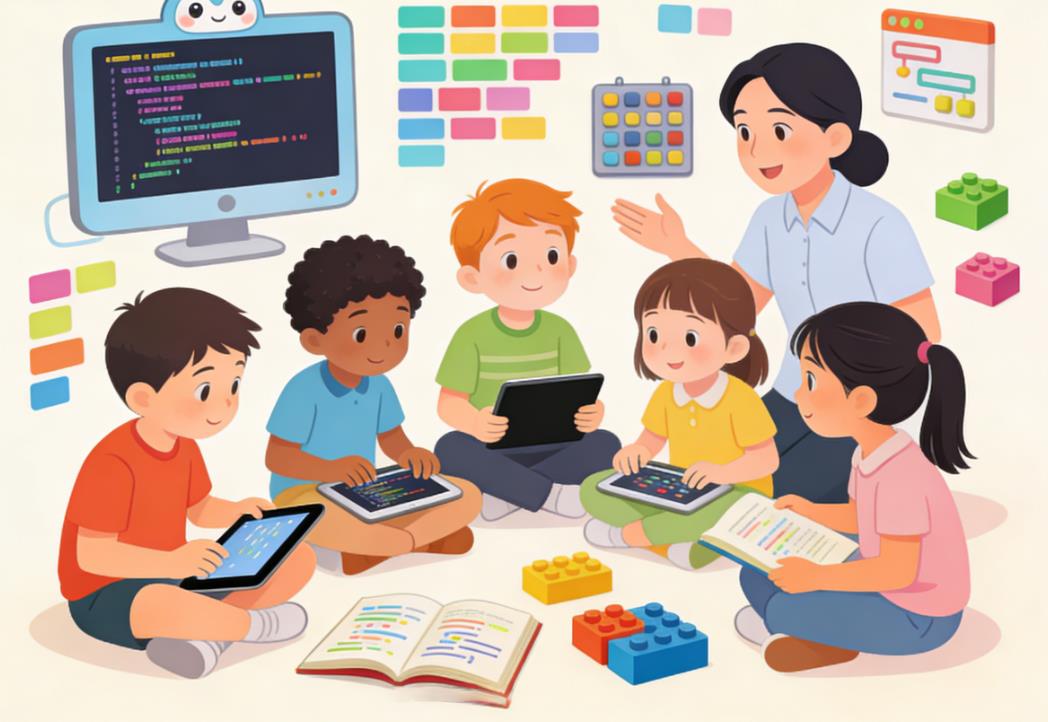
As a parent, navigating the world of coding education for children can feel overwhelming. There are countless courses, platforms, and teaching methodologies, and the stakes feel high: you want your child to enjoy learning while developing real skills that can set them up for future success. Choosing the right coding course is not just about picking a platform or a popular class—it’s about matching the curriculum, teaching style, and challenges to your child’s age, abilities, and learning preferences. This article explores practical strategies, professional insights, and real-world examples to guide parents in making informed decisions.
Understanding Your Child’s Age and Cognitive Development
Age plays a crucial role in how children interact with programming concepts. Young children think differently than pre-teens or teenagers, and this difference should inform your course choice.
Early Childhood (Ages 5–7)
At this stage, children are developing foundational cognitive skills like problem-solving, sequencing, and pattern recognition. They have short attention spans and learn best through play, visual aids, and hands-on activities.
- Recommended Learning Methods: Block-based coding platforms like ScratchJr and CodeSpark Academy. These environments allow children to drag and drop visual blocks, learning the logic of programming without the frustration of syntax errors.
- Key Focus Areas: Sequencing, simple loops, basic cause-and-effect relationships, and storytelling through code.
- Case Study: Lily, age 6, enrolled in a local CodeSpark Academy class. Within a few weeks, she created interactive stories featuring characters she designed. Her teacher noted that the visual, gamified environment kept her engaged and encouraged experimentation, an essential skill for future coding.
Middle Childhood (Ages 8–12)
Children in this age range are more capable of abstract thinking. They can handle longer projects, understand conditional logic, and start experimenting with variables and simple algorithms.
- Recommended Learning Methods: Scratch, Tynker, and beginner Python courses tailored for kids. These courses often integrate games and project-based learning to maintain engagement.
- Key Focus Areas: Loops, conditional statements, variables, basic functions, and project planning.
- Case Study: A 10-year-old named Alex participated in an 8-week Python for Kids online course. By the end of the course, Alex had programmed a simple calculator and a text-based game. The course’s progression from visual coding to text-based syntax allowed him to transition gradually, reinforcing confidence and competence.
Early Teens (Ages 13–15)
At this stage, children can tackle more complex problems and are capable of abstract reasoning, debugging, and algorithmic thinking. They are ready to move from introductory block-based platforms to more advanced text-based programming languages.
- Recommended Learning Methods: Python, JavaScript, HTML/CSS, and project-based courses that simulate real-world coding experiences.
- Key Focus Areas: Functions, data structures, object-oriented concepts, APIs, and basic web development.
- Case Study: Emma, age 14, enrolled in an intermediate Python course designed for teens. The class required students to build small web applications and games using Python and Flask. Emma reported a sense of achievement and ownership, particularly when her project—a personal budgeting tool—worked independently. This real-world application reinforced both programming skills and problem-solving confidence.
Late Teens (Ages 16–18)
Older teenagers are capable of handling advanced topics, preparing for college-level programming or professional development. They can work on independent projects and contribute to open-source projects or competitions.
- Recommended Learning Methods: Advanced Python, Java, C++, web development bootcamps, and specialized programs like data science, artificial intelligence, or robotics.
- Key Focus Areas: Advanced algorithms, design patterns, version control (Git), collaboration, debugging complex code, and preparing for coding competitions or college applications.
- Case Study: A 17-year-old, James, enrolled in a summer AI coding bootcamp. By creating a small machine learning project predicting simple trends, he not only developed programming skills but also gained exposure to college-level concepts, boosting his confidence and college application profile.
Assessing Your Child’s Skill Level and Interests
Age alone is not enough; understanding your child’s current skills, learning pace, and interests is equally crucial.
Identifying Skill Level
Begin by assessing what your child already knows. Have they used block-based coding before? Are they comfortable with typing, logic puzzles, or problem-solving activities?
- Beginner: No prior coding experience. Courses should focus on interactive tutorials and games.
- Intermediate: Some exposure to block or basic text-based coding. Courses can introduce variables, loops, and simple projects.
- Advanced: Comfortable with coding syntax and abstract thinking. Courses can introduce algorithms, functions, and independent projects.
Aligning with Interests
Coding is more engaging when it aligns with a child’s personal interests. Some children are drawn to game development, while others may prefer storytelling, robotics, or web design.
- Case Study: Maya, age 11, was initially hesitant about coding until she found a game design course. By designing her own platformer game in Scratch, she learned loops, conditionals, and events without realizing she was mastering programming fundamentals.
Evaluating Course Quality
Not all coding courses are created equal. Parents should evaluate courses on several dimensions:
Curriculum Depth and Structure
A high-quality course should offer a clear progression from simple to complex concepts, with each lesson building on the last. It should balance instruction with hands-on practice.
- Red Flags: Courses that skip fundamental concepts or rely solely on passive watching rather than interactive coding.
- Example of Excellence: Code.org’s curriculum for K–12 students gradually introduces block-based coding, then transitions to text-based languages like JavaScript, offering scaffolding that supports different learning levels.
Teaching Methods
Children learn differently; some thrive in structured lessons, while others excel in exploratory environments.
- Project-Based Learning: Encourages creativity and application. Projects should be achievable but challenging enough to maintain engagement.
- Gamification: Incorporating points, badges, or competitions can boost motivation, especially for younger learners.
- Mentorship and Feedback: Personalized feedback from instructors helps children correct mistakes and build confidence.
Flexibility and Pace
Children’s learning pace varies. Some courses are self-paced, allowing children to take extra time on challenging topics, while others follow a strict schedule.
- Case Study: Ethan, age 12, struggled with loops and functions. A self-paced online course allowed him to revisit lessons and complete exercises at his own speed, preventing frustration and burnout.
Community and Support
Learning to code is social and collaborative. Courses with peer communities, discussion boards, or live sessions can enhance motivation and problem-solving.
- Example: Girls Who Code clubs provide not only instruction but also a community, encouraging collaboration, mentorship, and the sharing of ideas, which can be especially empowering for underrepresented students.
Considering Delivery Format
In-Person Classes
- Pros: Face-to-face interaction, immediate feedback, structured schedule.
- Cons: Limited availability, higher cost, less flexible.
- Best For: Younger children who benefit from hands-on guidance and social interaction.
Online Courses
- Pros: Accessible from anywhere, flexible scheduling, wide variety of options.
- Cons: Less direct supervision, potential for distraction.
- Best For: Self-motivated learners or families in remote areas.
Hybrid Options
Combining online learning with occasional in-person workshops can offer flexibility and social interaction simultaneously.
- Case Study: Sophia, age 9, attended a hybrid course where weekly online lessons were supplemented by monthly in-person coding challenges. This format balanced convenience with hands-on support, resulting in sustained interest and skill growth.
Cost Considerations
Coding courses vary widely in price, from free resources to expensive summer camps.
- Free Resources: Scratch, Khan Academy, Code.org. Excellent for beginners or exploratory learning.
- Moderate Cost: Online platforms like Tynker or Codeacademy for Kids offer structured courses with interactive projects.
- Premium Options: Coding bootcamps, in-person camps, or private tutoring provide intensive instruction and mentorship, suitable for older or highly motivated children.
Parents should weigh cost against their child’s interest, commitment level, and potential benefits. Sometimes starting with a free or moderate-cost course can help gauge engagement before committing to more intensive options.
Monitoring Progress and Adjusting Course Choices
Choosing a coding course is not a one-time decision. Children’s interests and abilities evolve, and their learning journey should be flexible.
Signs a Course Is a Good Fit
- Your child shows excitement to start coding.
- Projects are completed successfully with guidance.
- Mistakes are treated as learning opportunities, not sources of frustration.
Signs It May Not Be Working
- Consistent boredom or frustration.
- Concepts are too advanced or too simple.
- Lack of engagement, even after trying alternative teaching methods.
Parents should feel empowered to adjust courses, switch platforms, or seek additional support if necessary.
Integrating Coding With Other Interests
Combining coding with other passions can enhance engagement and creativity. Examples include:
- Art: Programming digital art or animations in Scratch.
- Robotics: Building and programming robots with LEGO Mindstorms or VEX kits.
- Math and Science: Creating simulations or interactive experiments.
- Case Study: Liam, age 13, loved astronomy. A Python course that included projects simulating planetary motion kept him engaged, allowed him to apply coding skills, and deepened his interest in science.
Preparing for Advanced Opportunities
For children who show aptitude and interest, advanced courses, competitions, and real-world projects can be the next step.
- Coding Competitions: Google Code-in, USACO, or local hackathons provide motivation, feedback, and recognition.
- Open-Source Contributions: Teens can contribute to beginner-friendly projects on GitHub to gain real coding experience.
- Portfolio Development: Building a portfolio of projects demonstrates progress and can support college applications or internships.
Choosing the right coding course for your child is a multifaceted decision. Age, skill level, interests, teaching methods, course structure, and delivery format all play critical roles. There is no one-size-fits-all solution—successful learning arises from matching the right course to your child’s unique profile, encouraging curiosity, and maintaining flexibility as they grow.
By observing your child, assessing their skills, and leveraging high-quality resources, you can guide them on a rewarding coding journey. The ultimate goal is not only to teach programming but to foster problem-solving, creativity, and a lifelong love of learning.

Leave a Reply